Add Safety Mode and/or Data Boost - My Business
Learn how to add Safety Mode and/or a Data Boost for My Business accounts.
- Sign into your My Business account from a desktop computer.
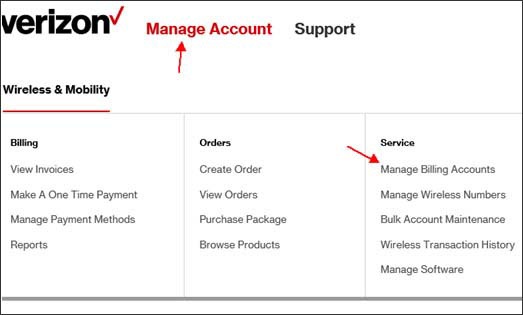
- From the Home Landing Page, clickManage Account.
- From the Service section, clickManage Billing Accounts.
- From the Account Plan Information section, clickEditnext to "Shared Services".
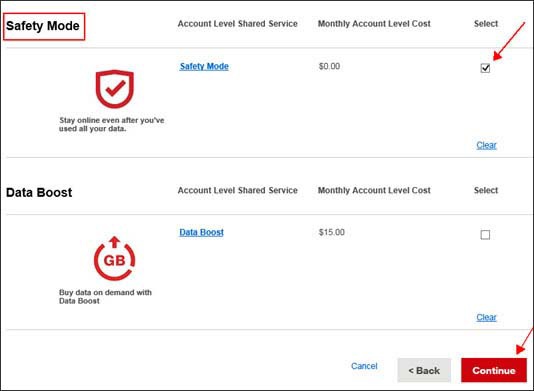
- To add Safety Mode and/or a Data Boost, click the"Select" boxthen clickContinue.
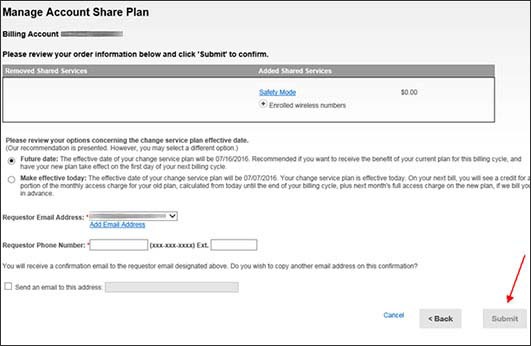
- Review the changes then clickSubmit.