Verizon GizmoTablet™ - Change or Retrieve Parent PIN
Here's how to change or retrieve your Parent PIN for the GizmoTablet app.
Created during initial setup of the GizmoTablet, the Parent PIN allows you access to the Parent Dashboard where you can view and set limits on tablet usage.
Change PIN
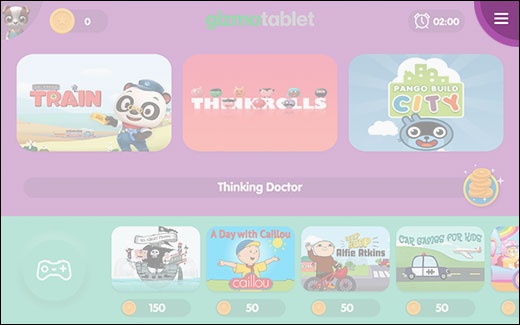
- From the Home screen, tap theMenu icon(located in the upper-right).
- Tap theParenticonthen enter your Parent PIN.
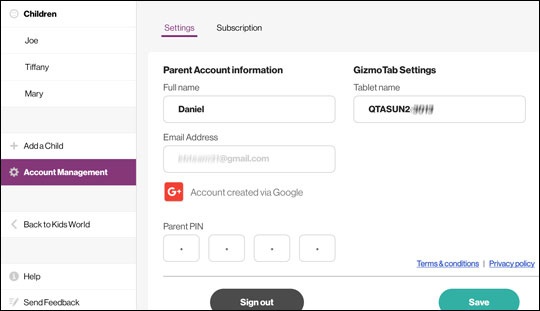
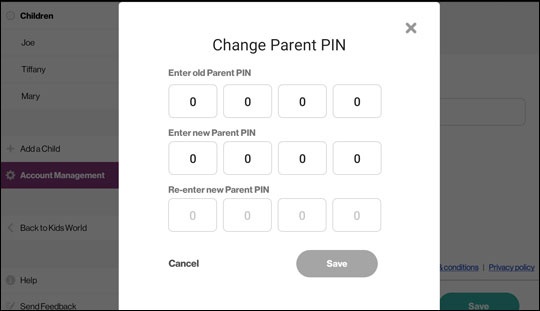
- From the left menu, tapAccount Managementthen tap theParent PIN boxto edit.
- From the 'Change Unlock Key' screen, enter the old code and the new code twice then tapSave.

Retrieve PIN
- From the Home screen, tap theMenu icon(located in the upper-right).
- Tap theParent icon.
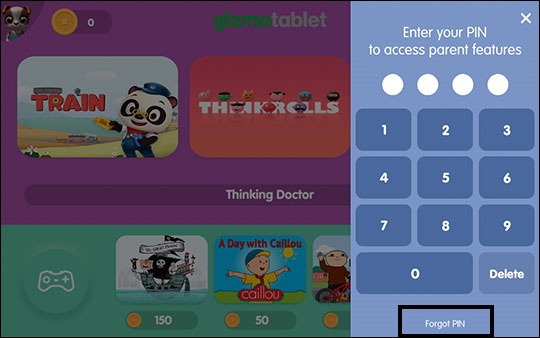
- TapForgot PINlocated below the keypad
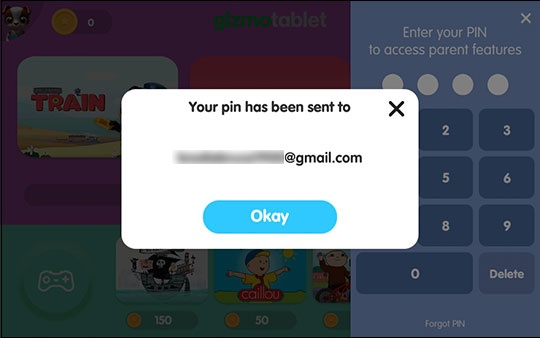
- Verify your Gmail address then tap thegreen checkmarkto retrieve your PIN.
- TapOkaythen access your Gmail account to view the email and retrieve password.