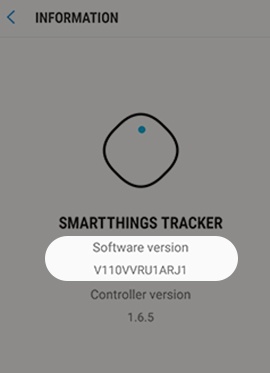
Samsung SmartThings Tracker - Software Version
Here's how to check the software version for your Samsung SmartThings Tracker.
- Open the SmartThings app
.
- From the SmartThings Home screen, select your tracker.
- Tap theMenu icon
(upper-right) then tap
Informationto view the Software version.