Samsung SmartThings Tracker - Change Credit Card on File
Here's how to change the credit card on file via the ThingSpace Portal for your SmartThings Tracker.
- Open the SmartThings app.
- From the SmartThings Home screen, select your tracker.
- Tap theMenu icon
(upper-right) then tap
Settings. - TapManage mobile service.The app opens a web page to the ThingSpace Portal.
- Enter your My Verizon user id and password then tapSign in.
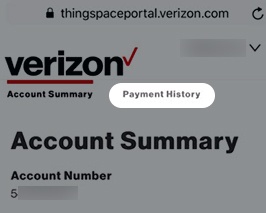
- TapPayment History.
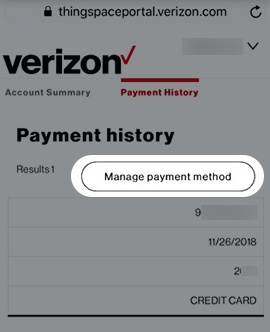
- TapManage payment method.
- Enter the requested credit card info, then tapDone.
- To continue, review the Terms of Service, check the box then tapSave.