Session status messages
Session Status

Due to inactivity, your session will end in approximately 2 minutes. Extend your session by clicking OK below.

Due to inactivity, your session has expired. Please sign in again to continue.

Wireless Home Phone (LVP2) - View Device ID

2026-10-06 13:44:24.984

Wireless Home Phone (LVP2) - View Device ID

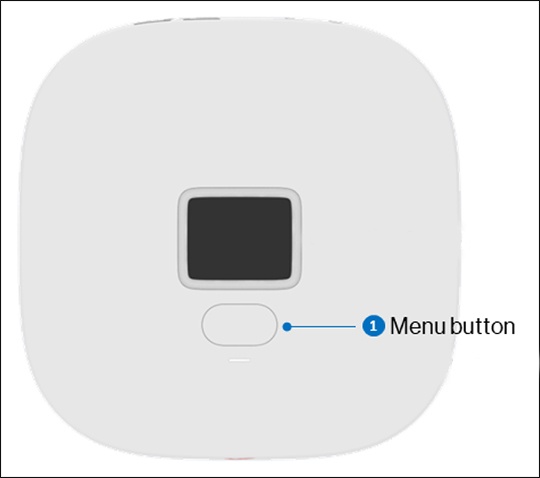
Here's how to find the device ID (IMEI) for your Wireless Home Phone (LVP2).
  1. Press the
    Menu button
    (located below the display) twice to cycle through screens.
    Press the Menu button
  2. View the IMEI info.
For additional info, refer to the Wireless Home Phone T2000 user guide.