Wireless Home Phone (LVP2) - Install Device Software Updates
Here's how to check for and install software updates on your Wireless Home Phone (LVP2).
The Wireless Home Phone receives periodic software updates automatically over-the-air. To manually initiate an update:
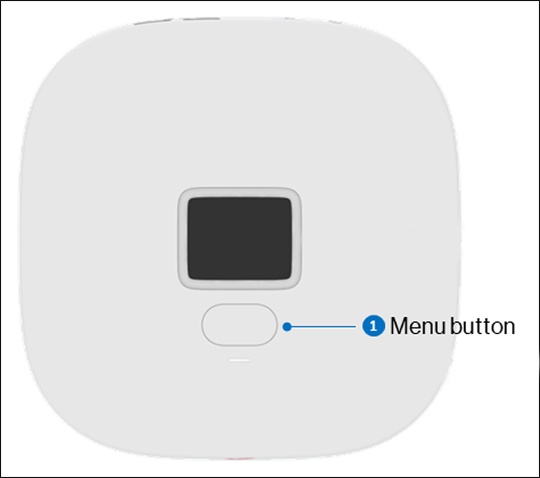
- Make sure the AC/DC power adapter is connected then press theMenu button(below the digital display) while on the Home screen.
- Press theMenu buttonto access the second page of the 'About' section.
- Once the screen shows the software version and IMEI number, double press theMenu buttonin quick succession to initiate the update then follow the prompts.