Inseego MiFi 2100 5G UW - View Network Mode
If your Inseego MiFi® 2100 5G UW drops data connections near a network border, check which network your device is picking up. This can't be changed, but can help in troubleshooting.
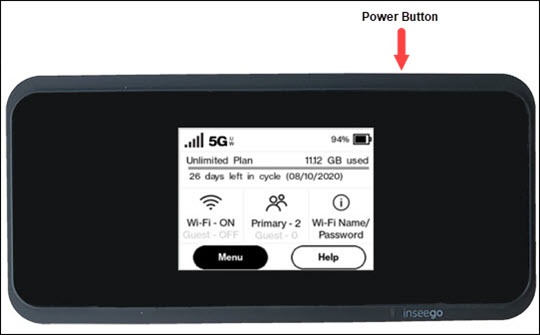
- From the Home screen, tapMenu.If necessary, press thePower buttonto turn on the display.
- Navigate: .
- View the setting (selected when a black dot is present).
- 5G/LTE: This is the only setting available.
You can also view network mode settings info via the Admin Web Interface by navigating: then editing the Network selection settings.