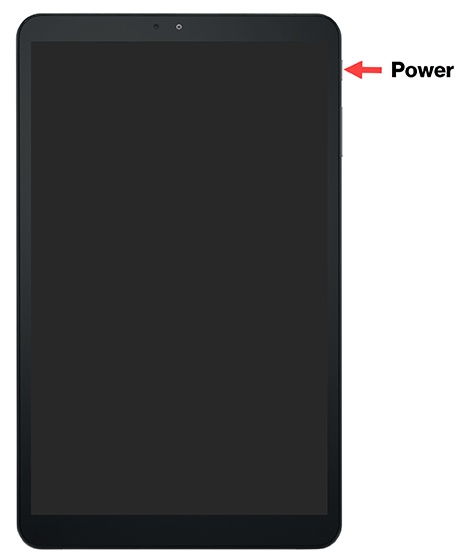
LG G Pad 5 10.1 FHD - Unlock Screen
Here's how to unlock the screen on your G Pad 5 10.1 FHD.
- Press thePower buttonon your LG G Pad 5™ 10.1 FHD.
- Depending upon the screen lock type, do one of the following:
- Swipe up from the center of the screen.
- Draw the current unlock pattern.
- Enter the current PIN or password.
- Scan your fingerprint.