TCL FLIP Pro - Master Reset (Powered On)
Here's how to restore your FLIP Pro to factory default settings.
A Factory Data (Master / Hard) Reset:
- is the last resort for troubleshooting.
- erases all data and restores preferences to factory default specifications.
- is only recommended when the existing data has been backed up or is unwanted.
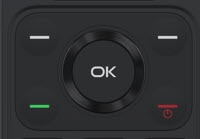
- From the main screen, press theOK button.Utilize the 5-way navigation pad to highlight and the OK button to select.
- SelectSettings.
- SelectDevice.
- SelectDevice information.
- SelectReset Phone.
- SelectResetIf needed, set up your device.