TCL FLIP Pro - Set Up Phone Lock
Here's how to manage the security lock code for your FLIP Pro.
The Phone Lock function helps prevent unauthorized use of the device by disabling outbound data and making calls. The device can still receive calls and place emergency 911 calls.
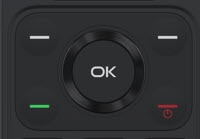
- From the main screen, press theOK button.Utilize the 5-way navigation pad to highlight and the OK button to select.
- SelectSettings.
- From the 'Privacy & Security' tab selectScreen lock.
- SelectScreen lock.
- SelectScreen lock, highlight an option then selectOK:
- On
- Off
- Enter thePhone lock code(PIN must be 4 digits).
- Re-enter the Phone lock code then selectCreateto confirm.