TCL FLIP Pro - Add / Remove Speed Dial Number
Here's how to add and remove a speed dial number on your FLIP Pro.
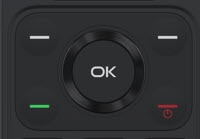
- From the main screen, press theOK button.Utilize the 5-way navigation pad to highlight and the OK button to select.
- SelectContacts.
- Use theright soft key
to choose Options.
May require pressing down on the 5-way navigation pad. - SelectSettings.
- SelectSet speed dial contactsthen do one of the following:
- Add Speed Dial:
- Select an empty speed dial number then selectAssign.
- Highlight the applicable phone number or contact then press theOK buttonto choose Select.
- Remove Speed Dial:
- Highlight the applicable phone number or contact then press theright soft keyto select Options.
- SelectRemove from speed dial.