TCL FLIP Pro - View Device ID
Here's how to find the device ID (IMEI) on your FLIP Pro.
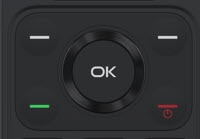
- From the main screen, press theOK button.Utilize the 5-way navigation pad to highlight and the OK button to select.
- SelectSettings.
- SelectDevice information.
- SelectMore Information.
- View the IMEI.
You can also remove the battery and view the IMEI inside the battery compartment or you can view it via the Verizon website.