TCL LINKZONE 5G UW - View Text Messages
Here's how to view text messages on your LINKZONE 5G UW.
Text messages can be only received. The ability to compose and send isn't available on your LINKZONE 5G UW.
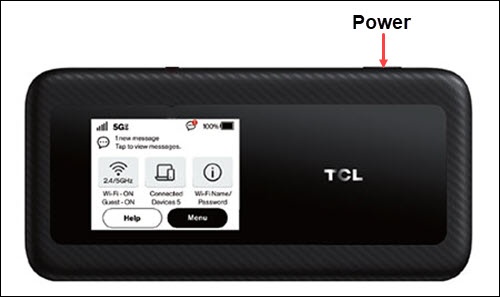
- From the Home screen, tapMenu(lower-right).If necessary, press thePower button(top-right edge) to turn on the display.
- TapMessages.
- If necessary, swipe left or right to cycle through all messages.
You can also view text messages via the Admin Web Interface by navigating: (left pane).