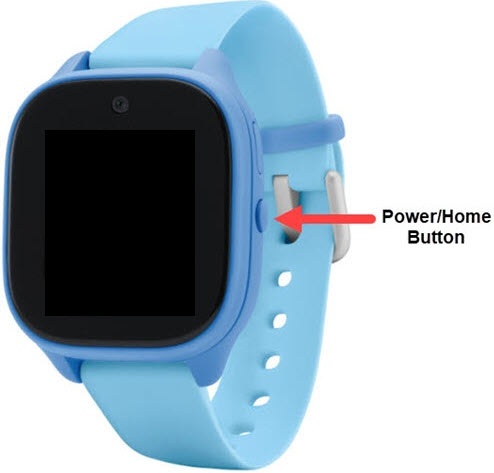
Gizmo Watch 3 - View Device ID
Here's how to find the device ID (IMEI) for your Gizmo Watch 3.
View Device ID in Settings on Gizmo Watch 3
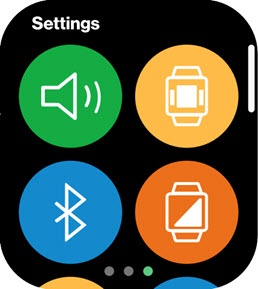
- Swipe left or right from the main screen to access the 'Settings' screen.
- Scroll down then tap theAbout / Information icon
.
View Device ID in GizmoHub app on Smartphone
- Open theGizmohub app.
- TapMorethen tapManage Devices.
- Tap device name.
- From the 'About this Gizmo' section, view the IMEI.
If the IMEI can't be viewed from the device, refer to My Verizon Website - View Device Info.
View Device ID Before Setup
- Power the watch on by holding thePower button.
- After the watch connects to Verizon, tap theCheckmark icon.
- From the QR code screen, swipe left.
- View the IMEI.