Verizon LTE Internet and Home Phone - Install External Antennas
Here's how to install external antennas on your LTE Internet and Home Phone.
The former name of this device is the Verizon 4G LTE Broadband Router with Voice.
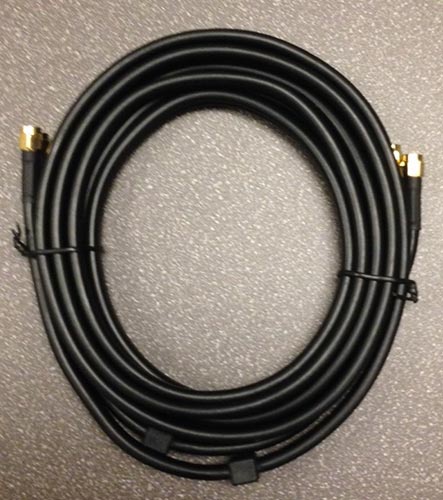
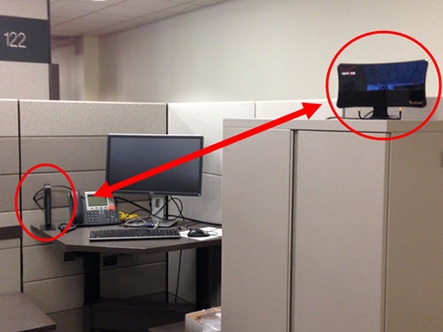
- Connect the antenna to the router using the supplied cable only - do not use a different cable. Use the full length of the cable to position the antenna as far from the router as possible.
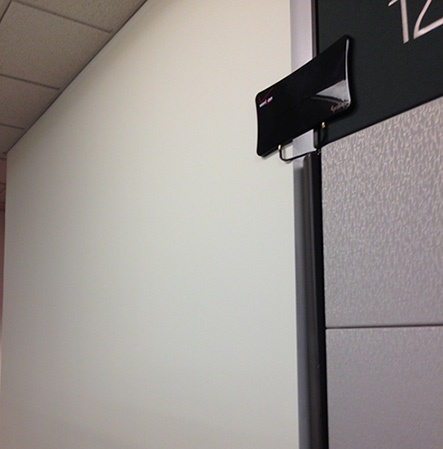
- For wall mount installations, position the antenna as far off the ground as possible and at least 8 inches from people.
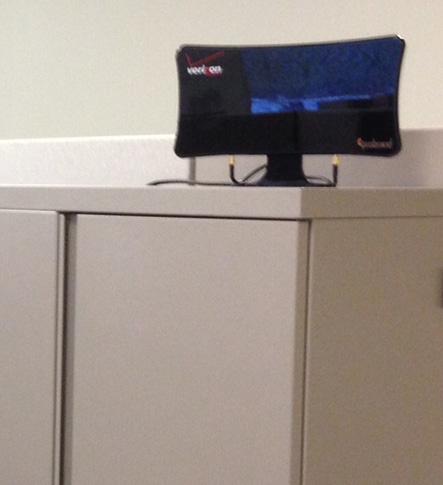
- For stand assembly installations, maintain a minimum distance of 8 inches between the antenna and people at all times.
- Do not use the router and the antenna within 2 inches of each other.