Push to Talk Plus Contact Management Tool - Assign Contacts
Here's how to assign contacts with the Push to Talk Plus contact management tool.
- Sign in to the Push to talk admin page via My Business.
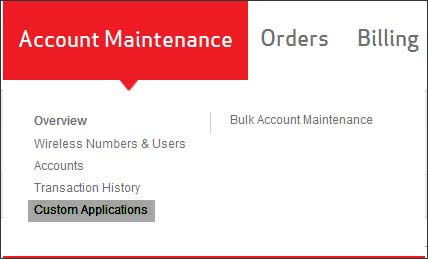
- From the Account Maintenance tab, clickCustom Applications.
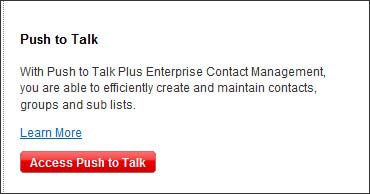
- ClickAccess Push to Talk.
- Select the contact.
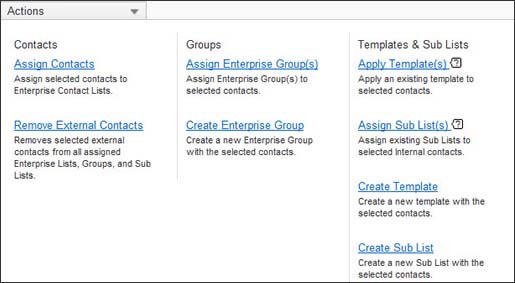
- From the Actions dropdown, clickAssign Contacts.
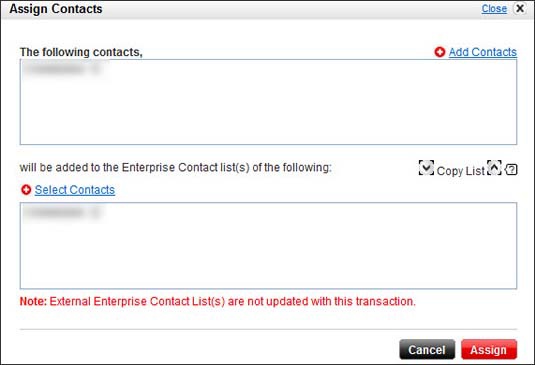
- Assign the selected contact(s) to other contacts as preferred.
- ClickAssign.