Push to Talk Plus Contact Management Tool - Create a Template
Here's how to create a template in the Push to Talk Plus contact management tool.
A template can't be applied to an external contact.
- Sign in to the Push to Talk admin page via My Business.
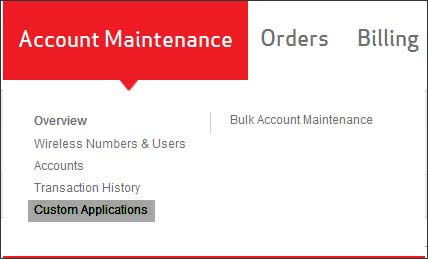
- From the Account Maintenance tab, clickCustom Applications.
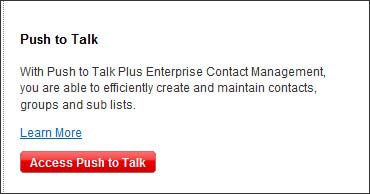
- ClickAccess Push to Talk.
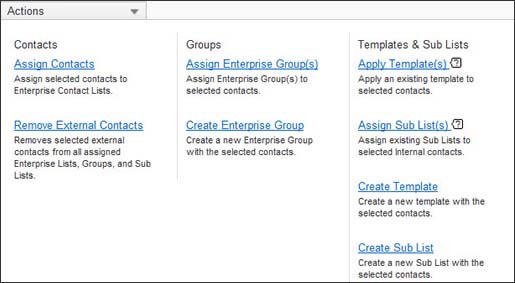
- From the Actions drop-down, clickCreate Template.
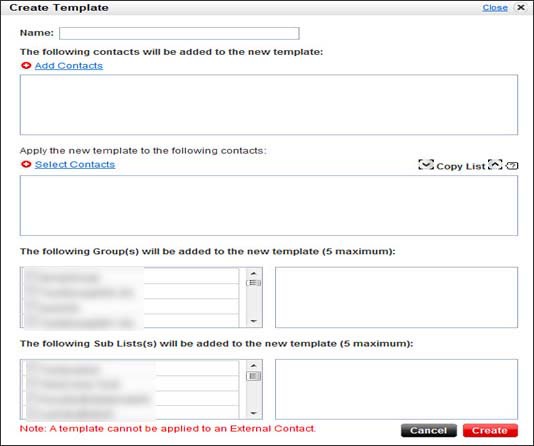
- From the Create Template screen:
- Enter a name for the template.
- ClickAdd Contacts, select the contacts then clickDone.
- ClickSelect Contacts, select the contacts then clickDone.
- SelectGroup(s).A maximum of 5 Groups can be selected.
- SelectSub Lists.Maximum of 5 Sub Lists can be selected.
- ClickCreate.