Verizon Jetpack® 4G LTE Mobile Hotspot MiFi® 6620L - Manage Alerts / Notifications
To turn audio alerts (e.g., low battery, etc.) on/off for your Verizon Jetpack - MiFi 6620L, view this info.
To turn audio alerts (e.g., low battery, charging complete, etc.) on or off, view this info.
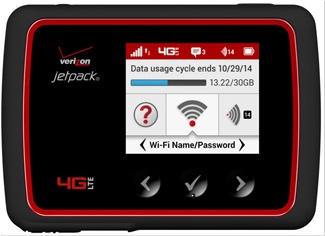
- Press thePower buttonat the top right of the device (with the display facing you) if your jetpack screen is blank.
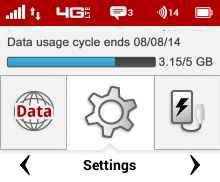
- SelectSettings.Utilize the navigation buttons (left/right arrow) to scroll through the options and the select button (check mark) to select.
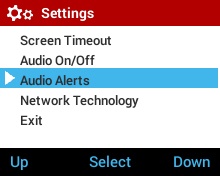
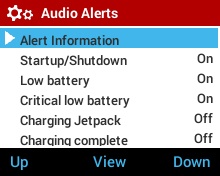
- SelectAudio Alerts.The current settings are displayed for each audio alert.
- Select a setting for each alert then press theSelect buttonto turn feature on or off.
- When finished, scroll down to "Back" then press theSelect button.