Verizon Jetpack® 4G LTE Mobile Hotspot MiFi® 6620L - View Connected Devices
To view info for devices connected to your Verizon Jetpack - MiFi 6620L, see this.
To view info for devices connected to your Jetpack, follow these steps.
View via the Admin Web Interface
- Access the Admin Web Interface.
- From the left menu, clickConnected Devices
(at the center left).
- From the Connected Devices section, view the following info (if available):
- Device name
- IPv4 Address
- MAC Address
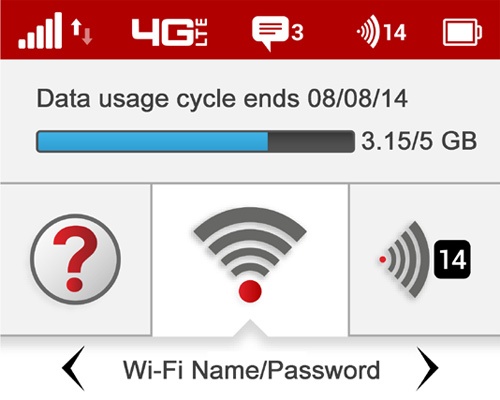
View via Device
- View the number of connected devices (located in the upper-right); e.g., 14.You may have a maximum of 15 connected devices.