Verizon Jetpack® 4G LTE Mobile Hotspot MiFi® 6620L - Delete Messages
To delete text messages for the Verizon Jetpack - MiFi 6620L, view this info.
To delete text messages via the Admin page or the device, view this info.
Delete via the Administration Web Interface
- Access the Admin Web Interface.
- From the left menu, clickMessages
(at the bottom left).
- ClickDelete Message
(at the right of the corresponding message).
To delete all messages, clickDelete All Messages(at the bottom right) then clickConfirm.
Delete via Device
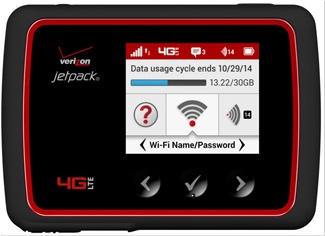
- Press thePower buttonat the top right of the device (with the display facing you) if your jetpack screen is blank.
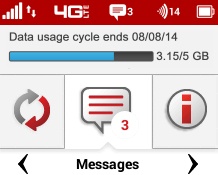
- SelectMessages.Utilize the Navigation buttons (left/right arrow) to scroll through the options and the Select button (check mark) to select.
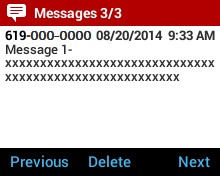
- SelectDelete.If necessary, repeat this step to delete additional messages.