Windows 11 Test Network Connectivity via Traceroute
Windows 11
Test Network Connectivity via TracerouteIf you need to diagnose connectivity problems, running a traceroute from your Windows® 11 device helps you visualize the route your data travels and locate where potential issues are occurring.
Steps
- Open theStart menu.
- From the Start Search text box, enterCommand Promptthen press theEnter key
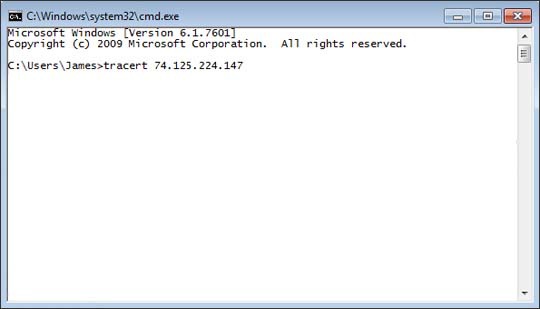
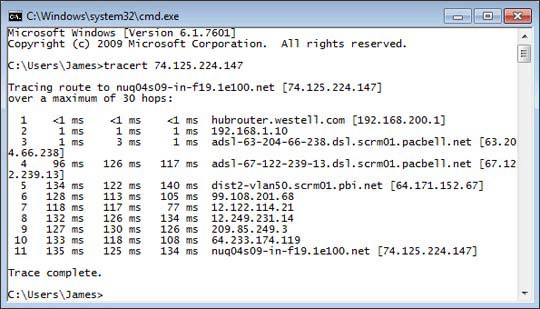
- Entertracert 74.125.224.147then press theEnter key.
- Ensure the traceroute command runs successfully, then review the info displayed onscreen.