Insert / Remove SIM Card - Verizon 4G LTE Router
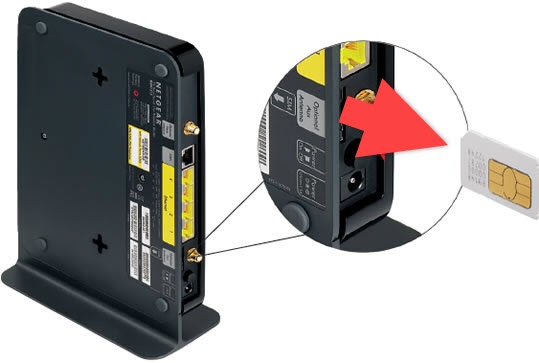
Here's how to properly insert or remove a SIM card for your Verizon 4G LTE Router.
Do not attempt to insert/remove the SIM card with the device powered on. Doing so can harm the SIM card and/or the device.
Insert SIM card
- To insert, carefully slide the SIM card (as shown in the image below - the cut-off corner facing inward) into the card slot until it clicks into place.Ensure the SIM card supplied with this router is used. Adapters and other SIM cards (of different sizes) are not supported.
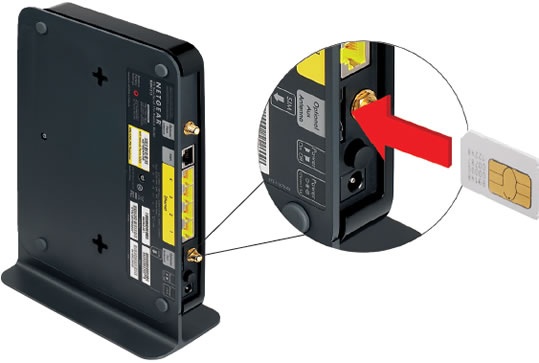
Remove SIM card
- To remove, gently press in on the SIM card then remove it.