Verizon Jetpack 4G LTE Mobile Hotspot MiFi 6620L - Insert / Remove SIM Card
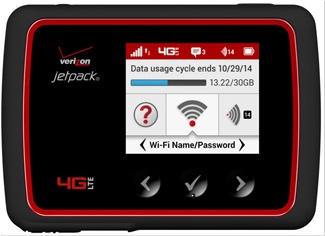
Here's how to properly insert or remove a SIM card for your Verizon Jetpack MiFi 6620L.
Instructions on inserting/removing your SIM can help with activation issues/errors and connectivity issues.
- Ensure the Verizon Jetpack® MiFi® 6620L is powered off.Press and hold thePower button(top right of the device) until "MiFi Powering Off" displays then release.
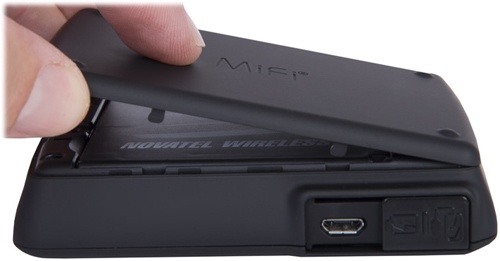
- Press your finger against the battery door removal tab, then lift and remove the battery cover.
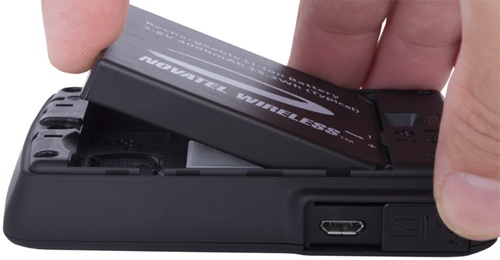
- Insert your finger into the battery removal divot and lift the battery out of the battery compartment.
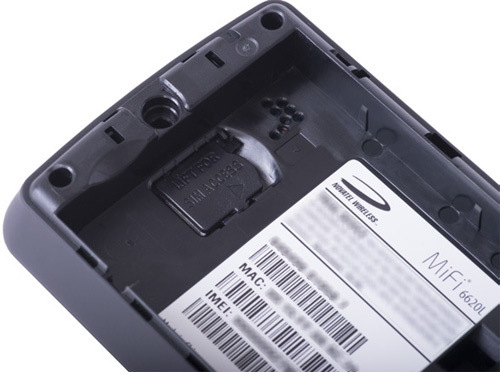
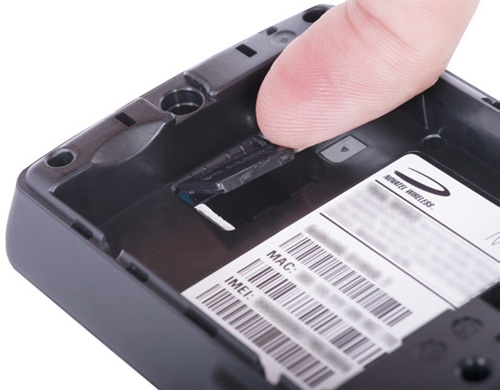
- Locate the SIM card protector.
- Lift to open the SIM card protector.
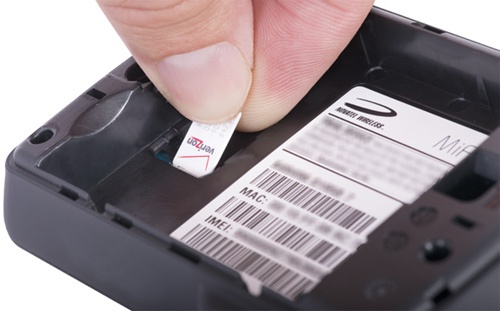
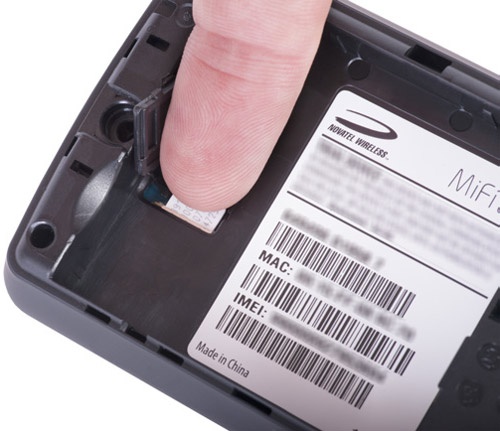
- Do one of the following:
- Insert SIM cardPush the SIM card toward the SIM card slot (gold contacts facing down with the notched edge in the lower-right). Carefully slide the card until it clicks into place.An image showing the correct SIM orientation is embossed on the device near the SIM slot.
- Remove SIM cardPush the SIM card toward the SIM card slot (to the left) to remove it. Carefully slide the card backward to remove.
- Re-insert the battery.
- Replace the back cover.