Insert / Remove SIM Card - Verizon Jetpack® 4G LTE Mobile Hotspot MiFi® 4620L
Inserting a SIM can help with activation/connectivity issues on your Verizon Jetpack - MiFi 4620L.
Instructions on inserting/removing your SIM can help with activation issues/errors and connectivity issues. Our Troubleshooting Assistant can help you with other device issues if you aren't currently using the tool.
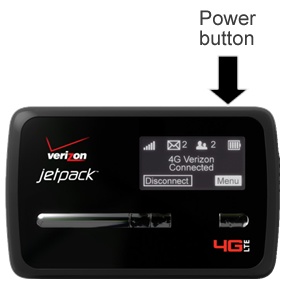
- Ensure the device is powered off.Press and hold thePower buttonuntil "MiFi Powering Off" appears on the display then release.
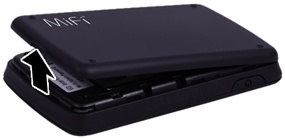
- Remove the battery cover.Utilizing the provided slot, carefully lift then detach the cover.
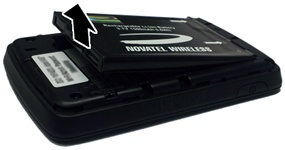
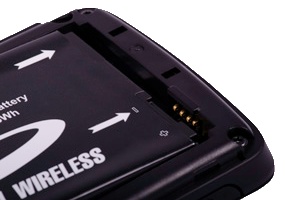
- Utilizing the notch, lift then remove the battery as shown.
- Do one of the following:
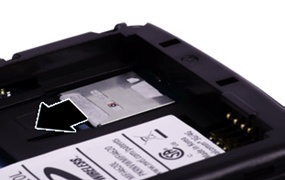
- Insert SIM card:With the gold contacts facing down and the notch located in the upper-left, insert the SIM card as shown.
- Remove SIM card:If necessary, press down on the plastic notch (located in front of the SIM card slot) to assist with removing the card.
- Insert the battery as shown.Ensure that the connectors on the battery align with the connectors on the device.
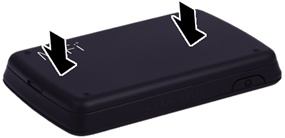
- Replace the battery cover.
- Press in on the cover to lock it into place.