Session status messages
Session Status

Due to inactivity, your session will end in approximately 2 minutes. Extend your session by clicking OK below.

Due to inactivity, your session has expired. Please sign in again to continue.

Install External Antenna - MiFi ® 4G LTE Global USB Modem U620L

2026-10-02 21:12:10.026

Install External Antenna - MiFi® 4G LTE Global USB Modem U620L

Here's how to connect the external antenna to your MiFi 4G LTE Global USB Modem U620L.
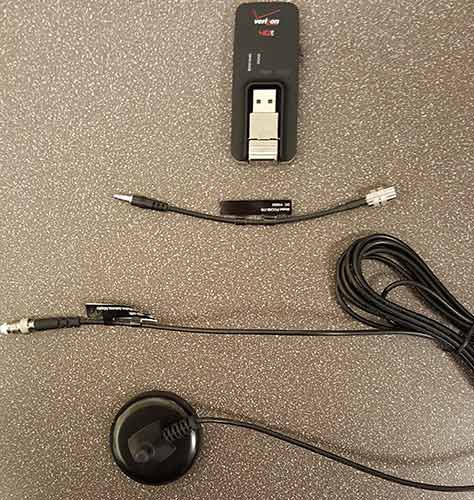
  1. Collect the device, the antenna adapter and the antenna.
    Antenna components
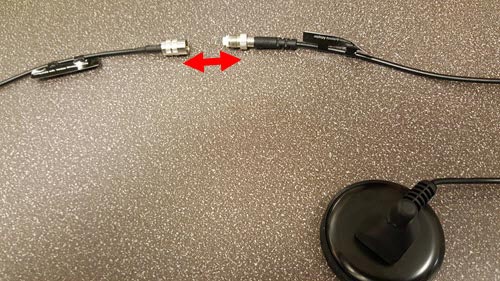
  2. Connect the external antenna to the adapter.
    Antenna components
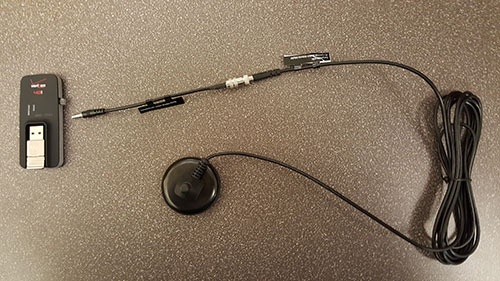
  3. Plug the external antenna into the USB modem using the slot on the right side.
    Antenna components
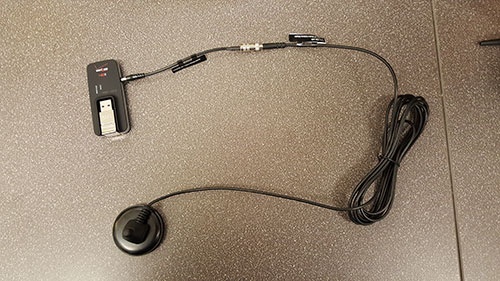
  4. Ensure all connections are secure.
    Antenna components