Wi-Fi Calling - Android™ - Determine Wi-Fi Call
Here's how to determine if your Android smartphone is connected to a Wi-Fi call.
When turned on, Wi-Fi Calling may improve call quality while indoors.
- Wi-Fi Calling settings don't transfer after switching devices and/or performing a factory data reset. You need to enable Wi-Fi Calling manually if you want to use it.
- Wi-Fi calls always originate in the US, even if you are outside of the US.
- Calls to US numbers aren't billed (except for 411 or other premium calls).
- Calls to international numbers are billed according to your international long distance plan.A whisper tone, which can't be turned off, advises of potential charges before the call connects; ending the call before it's connected prevents costs.
- Place a call to the preferred number.
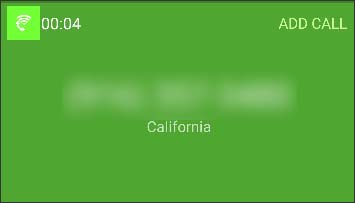
- Determine if the call is placed over Wi-Fi by the icon
.
The image below is only an example. The actual location of the Wi-Fi Calling icon may vary.