Push to Talk Plus - Dispatch Console - Activate PTT Dispatch via My Business
Here's how to activate, download and install the Push to Talk dispatch app via My Business.
- Sign in to My Business.
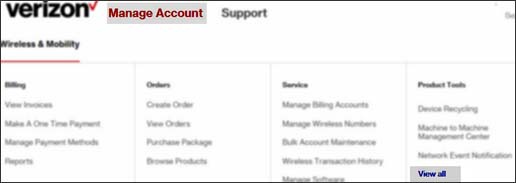
- Navigate: .
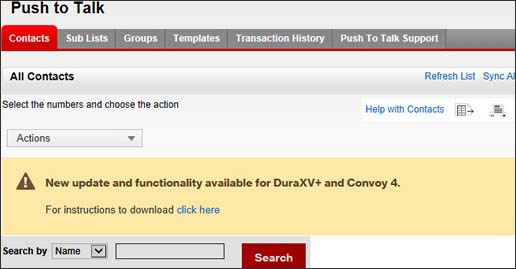
- From the product tools list, clickPush to Talk.
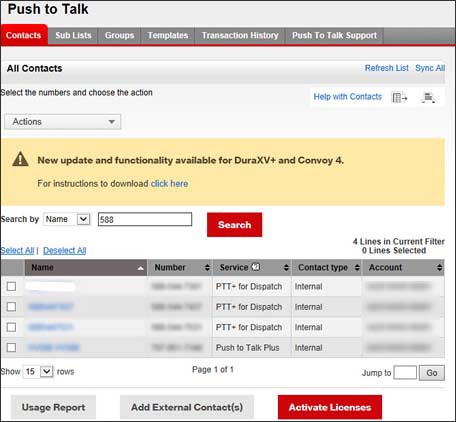
- From the contacts tab search the appropriate PTT user by name or mobile number.
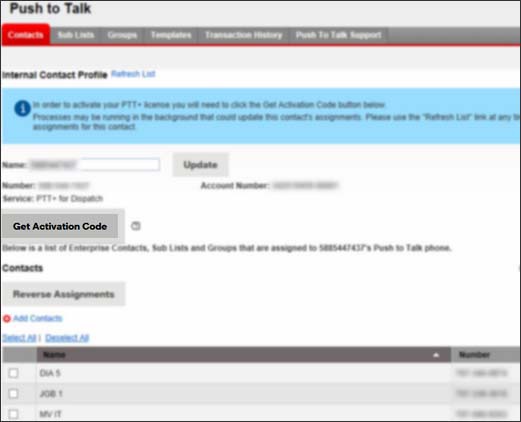
- Click the appropriate PTT user to access the contact profile.
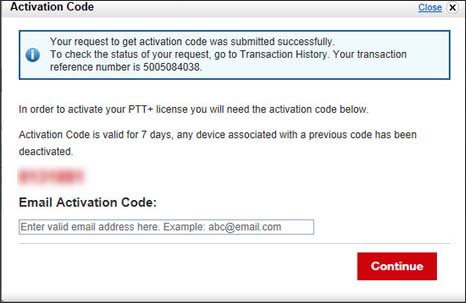
- ClickGet Activation Code(at the top).
- Enter the appropriate email address then clickContinue.
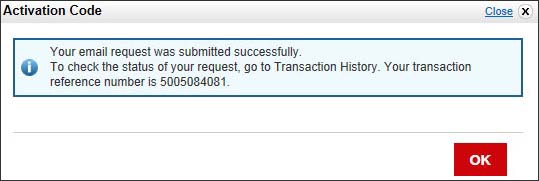
- Review the transaction reference number then clickOK.
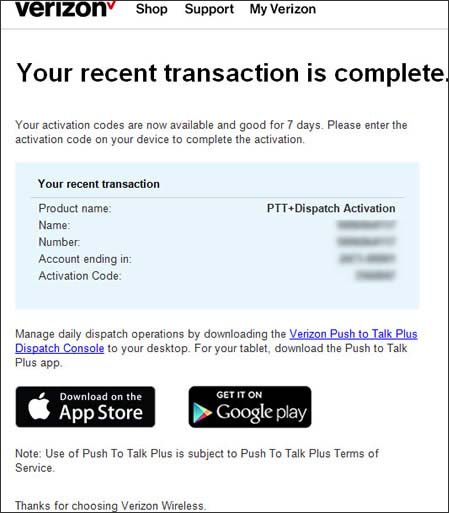
- Ensure customer receives email with the title 'Activation Code now available for Push to Talk Plus' with a link at the bottom to download and install Push to Talk Dispatch.