Safeguards - Verizon Jetpack® 4G LTE Mobile Hotspot - AC791L
If you want to control the websites visited or when devices can access your Jetpack, view this info.
If you want to control the websites visited or when devices can access your Jetpack, view this info.
- Using Safeguards from the admin site, you can filter sites and even add certain sites that you want to block.
- Safeguards also allows you to control when allowed devices have access to the Jetpack.
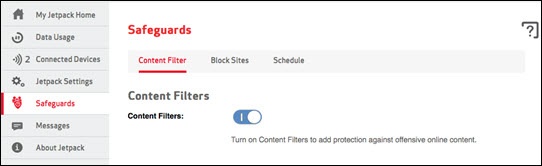
Content Filter
- ClickSafeguards(appears in menu along left margin).
- Click theContent Filter tab.
- Click theContent Filters switchto turn on or off.Content Filters add protection against offensive online content.
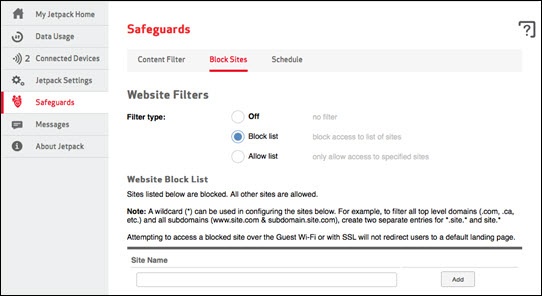
Block Sites
- ClickSafeguards(appears in menu along left margin).
- Click theBlock Sites tab.
- Choose one of the following site-blocking options:
- Off
- Block listAdd websites that you want blocked in the 'Website Block List'.
- Allow listOnly websites added to the 'Website Allow List' can be visited.
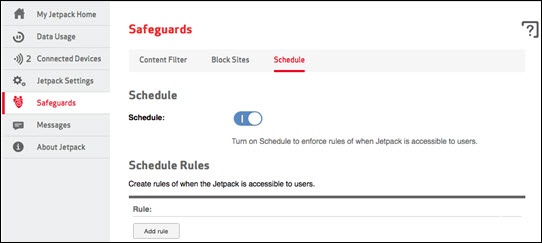
Schedule
- ClickSafeguards(appears in menu along left margin).
- Click theSchedule tab.
- Click theSchedule switchto turn on or off.ClickAdd Rulein the 'Schedule Rules' section to set when connection is available.