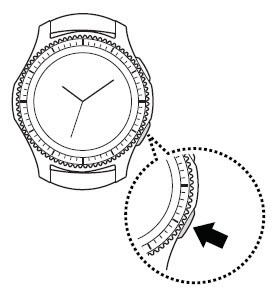
Samsung Gear S3 frontier / Gear S3 classic - Turn NFC On / Off
Here's how to turn Near Field Communication (NFC) for your Gear S3 frontier / Gear S3 classic on or off.
Near Field Communication (NFC) allows the transfer of data between devices that are a few centimeters apart, typically back-to-back.
- From the watch screen, press theHome buttonto open the apps screen.
- TapSettings
.
- TapConnections.
- TapNFC.
- TapNFCto turn on or off.On when the switch is blue
.