Session status messages
Session Status

Due to inactivity, your session will end in approximately 2 minutes. Extend your session by clicking OK below.

Due to inactivity, your session has expired. Please sign in again to continue.

Samsung Gear S3 frontier / Gear S3 classic - Call History

2026-10-13 02:20:58.942

Samsung Gear S3 frontier / Gear S3 classic - Call History

Here's how to see the call history on your Gear S3 frontier / Gear S3 classic.
  1. From the watch screen, press the
    Home button
    to open the apps screen.
    Home button
  2. Tap
    Phone
    Phone icon .
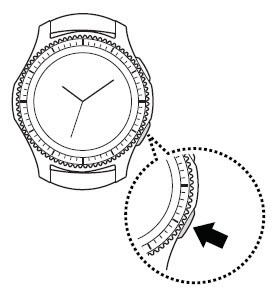
  3. Turn the bezel to view the call history.
  4. To clear calls from the history:
    1. Tap the
      Menu icon
      Menu icon (located to the right of the desired call record)
    2. Tap
      Delete
      Phone icon .