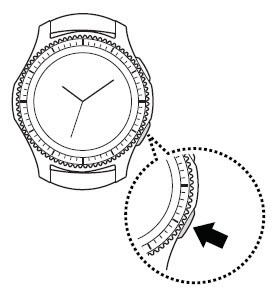
Samsung Gear S3 frontier / Gear S3 classic - Factory Data Reset (Powered On)
If your Samsung Gear S3 has a blank or frozen screen or calling, app, audio and syncing issues, view this.
Performing a factory data reset removes all data from the device. Only perform a reset if absolutely necessary.
- From the watch screen, press theHome buttonto open the apps screen.An alternate reset method is available if the device can't be powered on and is unresponsive.
- TapSettings
.
- TapGeneral.
- TapReset.
- Tap theCheckmark icon
to confirm.
If needed, set up your device. If troubleshooting third-party apps, don't restore app data.