Samsung Gear S3 frontier / Gear S3 classic - View Contacts
Here's how to view contacts on your Gear S3 frontier / Gear S3 classic.
Contacts are added to and synced from the companion smartphone.
- From the watch screen, press theHome buttonto open the apps screen.
- TapContacts
.
- Tap theSearch icon
(upper-right) and begin typing the name of the contact.
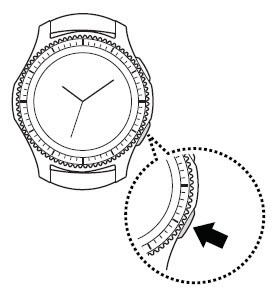
Alternately, turn the bezel to scroll up or down through the contact list.