Samsung Gear S3 frontier / Gear S3 classic - Adjust Volume
Here's how to manage volume controls if your Gear S3 frontier / classic doesn't vibrate or make sounds when receiving calls, texts or emails.
For additional info and a Gear S3 simulator, visit the Samsung support site.
- Press theHome buttonto open the apps screen.
- Navigate: .
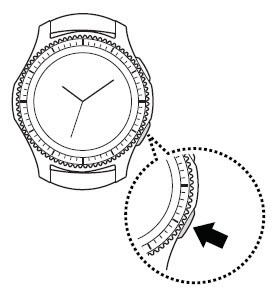
- Adjust the volume by turning the bezel to the desired level then press theMenu button(top button).