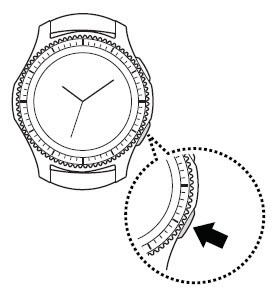
Samsung Gear S3 frontier / Gear S3 classic - Set Date and Time
If your Gear S3 frontier / Gear S3 classic shows the incorrect date and/or time, here's how to correct it.
Date and time can only be adjusted when the Gear S3 is in Standalone mode. Otherwise, the date and time is pulled from the network or the companion smartphone.
- From the watch screen, press theHome buttonto open the apps screen.
- TapSettings
.
- TapGeneral.
- TapDate & time.If necessary, tapAutomaticto set the data and time manually.
- TapSet date.
- Select the month, date and year then tapDoneto set.To select, scroll to then tap the appropriate option.
- TapSet time.
- Select the hour, minute and am / pm then tapDoneto set.To select, scroll to then tap the appropriate option.
- TapSelect Time zone.
- Turn the bezel then tapAll cities(bottom of the screen).
- Select the preferred city from the list.