Insert / Remove Battery - Arlo Go
Here's how to insert / remove the battery on your Arlo Go security camera.
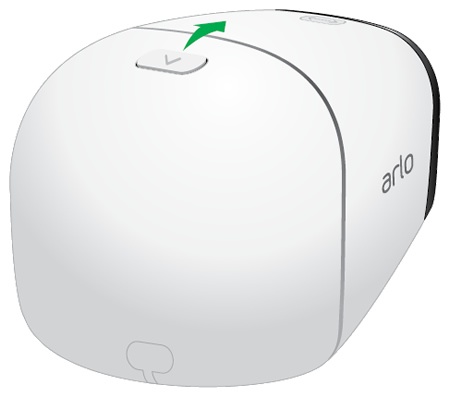
- Open the battery door.Press and hold the latch (located on the top edge) then rotate the door down.
- Do one of the following:
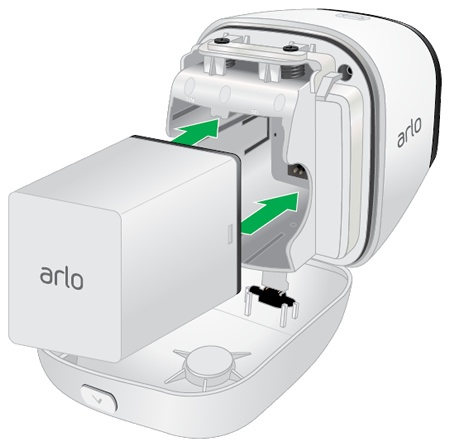
- Insert BatteryEnsure that the connectors on the battery align with the connectors on the device.
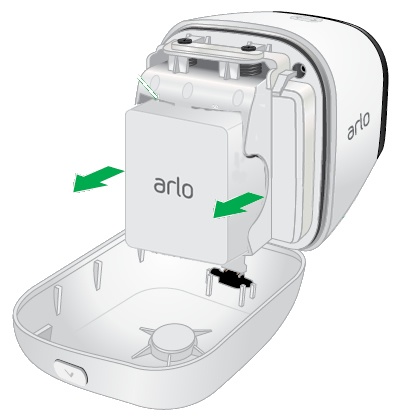
- Remove BatteryUtilizing the notches on both sides, pull to remove.
- Close the battery door.Rotate the door up and ensure it locks into place.