Kyocera DuraXV LTE - Delete Messages
Here's how to delete text messages on your DuraXV LTE.
- From the main screen, selectMenu.Utilize the 5-way navigation pad to highlight and the center button to select.
- SelectMessage.
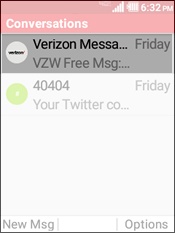
- Select a conversation.
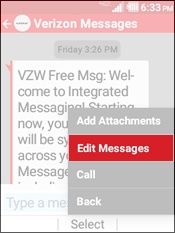
- Select a message then press theright soft keyto select Options.
- SelectEdit Message.
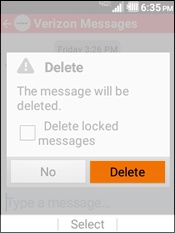
- Press theright soft keyto choose Delete.
- SelectDelete.