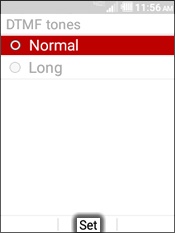
Kyocera DuraXV LTE - Manage DTMF Tones
Here's how to change the length of the DTMF tones on your DuraXV LTE.
Dual-tone multi-frequency (DTMF) tones are used by automated dial-in systems such as voicemail or where prompts are used to navigate.
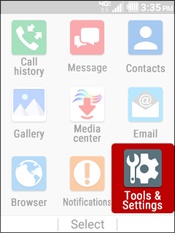
- From the main screen, selectMenu.Utilize the 5-way navigation pad to highlight and the center button to select.
- SelectTools & Settings.
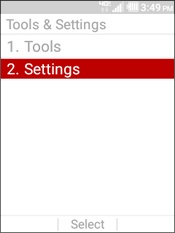
- SelectSettings.
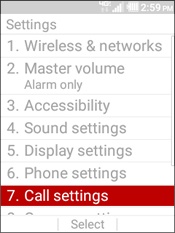
- SelectCall settings.
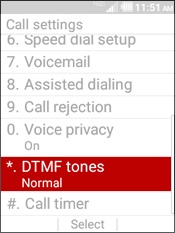
- SelectDTMF tones.
- Highlight an option then selectSet.