Kyocera DuraXV LTE - View and Reply to an Email Message
Here's how to view and reply to an email message from your DuraXV LTE.
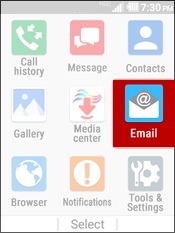
- From the main screen, selectMenu.Utilize the 5-way navigation pad to highlight and the center button to select.
- SelectEmail.
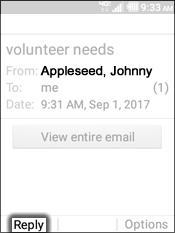
- Highlight a message then selectView.If an attachment is present:
- Highlight then select the attachment.
- Highlight the attachment then chooseSelect.
- Press theleft soft keyto choose Reply.
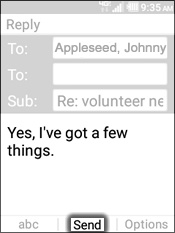
- Enter a message then selectSend.