Push to Talk Plus - Kyocera DuraXV LTE - Delete Groups
Here's how to delete Push to Talk Plus groups from your DuraXV LTE.
Administrator-managed (non-personal) groups cannot be edited from within the Push To Talk Plus app.
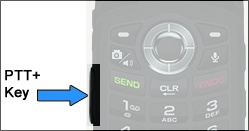
- Press thePTT+ key(located on the left side of the phone).
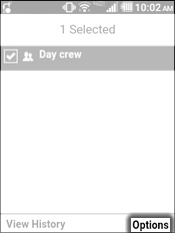
- From the Groups tab, select the appropriate group.Selected when a check mark is present.Utilize the 5-way navigation pad to highlight and the center button to select
- Press theright soft keyto choose Options.
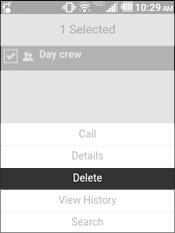
- SelectDelete.
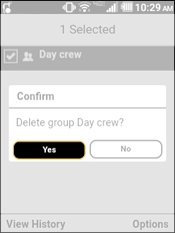
- SelectYes.