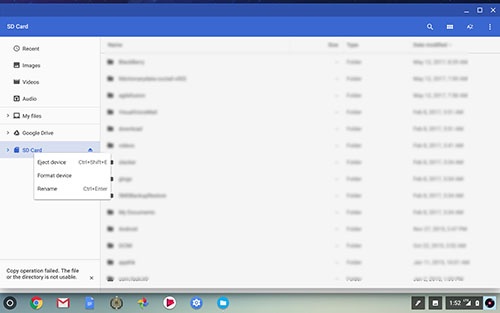
Samsung Chromebook Plus - Format SD / Memory Card
Here's how to erase all data on the SD / memory card of your Chromebook Plus.
This procedure erases all data on the SD / memory card. It's recommended to back up your data before formatting.
To perform the steps below, ensure the SD / memory card is inserted.
- Navigate:.Apps iconSettingsFiles
- Press and holdSD / Memory Card.
- Tap or clickFormat device.
- Review the disclaimer then tapERASE & FORMAT.Allow several seconds for the process to complete.