Verizon GizmoTablet™ - Access FAQs
Here's how to view frequently asked questions (FAQs) about your GizmoTablet.
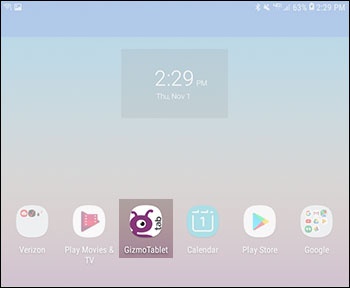
- From a Home screen, tap theGizmoTablet app.If unavailable, swipe up or down from the center of the display to access the apps screen then tap theGizmoTablet app.
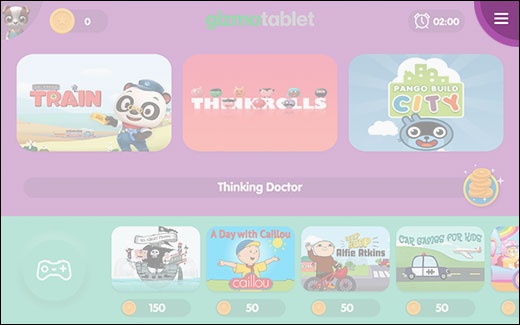
- Tap the applicable 'kid profile' avatar.
- From the 'Kids World' Home screen, tap theMenu icon(upper-right).
- Tap theParent icon.
- Enter your Parent PIN to access parent-only features.If PIN is forgotten or you would like to change it, refer to Change or Retrieve Parent PIN.
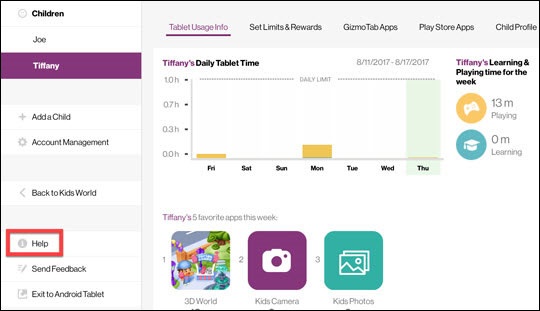
- From the left menu, tapHelpto launch the FAQ page.