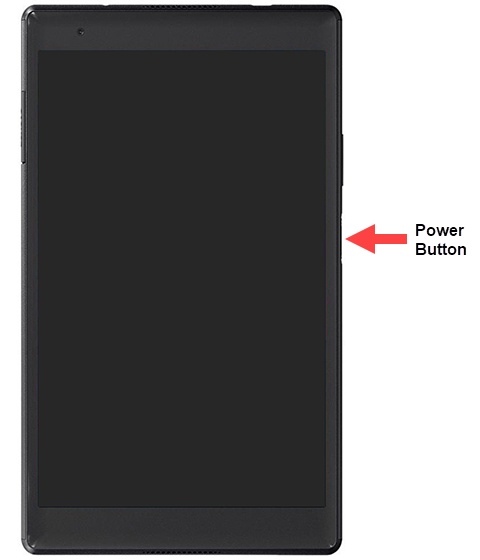
Lenovo tab 4 8 PLUS - Unlock Screen
Here's how to unlock the screen on your Tab 4 8 PLUS.
- Press thePower button(on the right edge).
- Depending upon the screen lock type, do one of the following:
- Swipe up on the screen then draw the pattern or enter the PIN or password if prompted.
- Touch the power button with a registered fingerprint.If fingerprint is not recognized, use the backup protection method set up when fingerprints were added.