5G MiFi® M1000 - Change Network Mode
If your 5G MiFi M1000 drops data connections due to being near a network border, locking onto a specific network can help; however, roaming charges may apply.
Changing advanced settings may be harmful to the stability, performance and security of the MiFi. Contact your local IT admin before altering advanced settings.
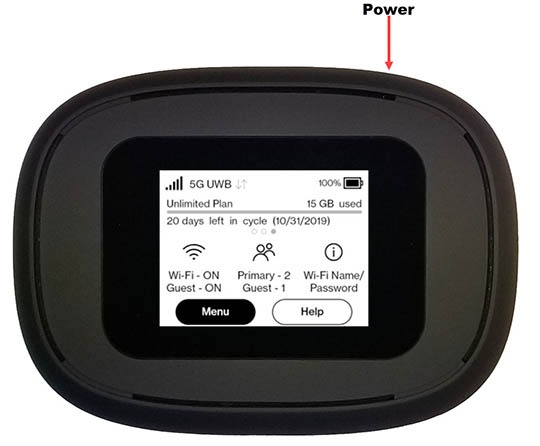
- From the Home screen, tapMenu.If necessary, press thePower buttonon the top-right edge to turn on the display.
- Navigate: .
- View the setting (selected when a red dot is present).LTE/UMTS:This is the only setting available.
- You can manually select an alternate carrier but it may require as many as 6 registration attempts with that carrier before successful registration.
- The preferred international carrier is automatically selected.
You can also view network mode settings info via the Admin Web Interface by navigating: then editing the 'Preferred network technology' dropdown menu.