Home Phone Base - Insert / Remove Battery
Here's how to insert / remove the battery for your Home Phone Base.
- Ensure the device is powered off.
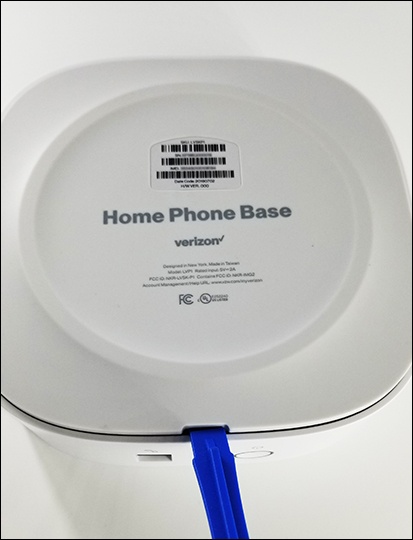
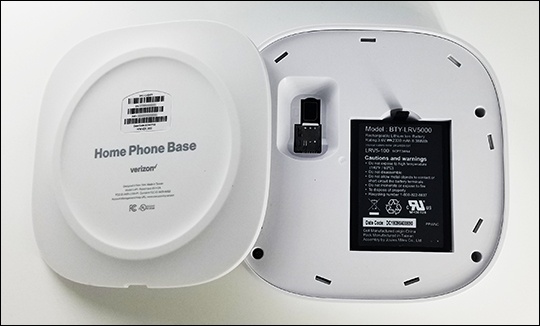
- Remove the back cover using a fingernail or similar tool.
- Do one of the following:
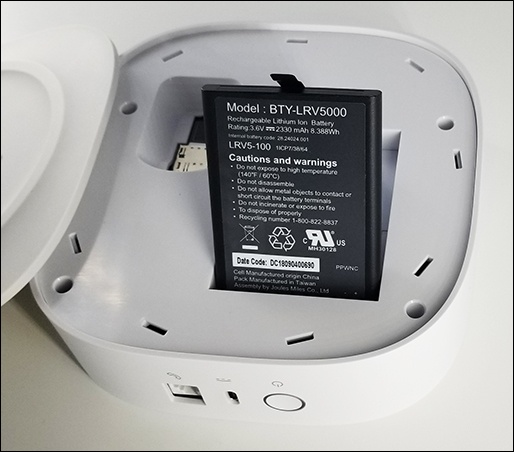
- Insert batteryAlign the gold contacts and insert the battery.
- Remove batteryUsing the tab, lift the battery out by pulling straight up.
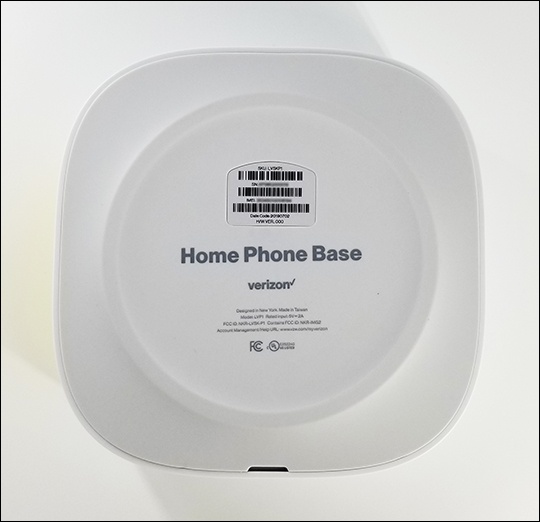
- Replace the battery cover.