Inseego Business Phone Connect - Factory Data Reset
Here's how to perform a factory data reset on your Business Phone Connect.
- A reset to factory default deletes all changes made to the configuration. It's recommended to backup your current configuration before performing a factory reset.
- When you reset your device, make sure that you're not speaking on the phone. You'll be disconnected from your call when you reset your device.
Reset via Device
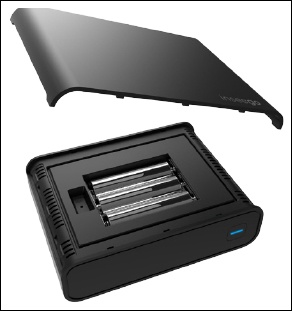
- Using a fingernail or a coin, gently pry the battery cover from the Business Phone Connect and set it aside.
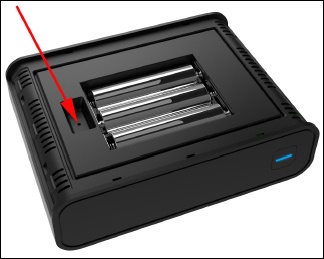
- Using one end of an unfolded paper clip, press theReset Buttonfor 6 seconds.Don't remove the batteries or unplug the device and allow several minutes for the reboot process to complete.
Reset via Admin Page
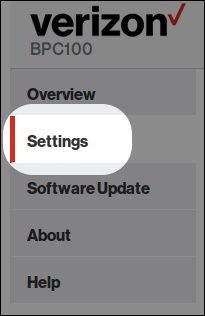
- Access the admin page then clickSettings(on the left menu).For assistance, refer to Access Admin Page.
- From the top menu, clickBackup & Restore.
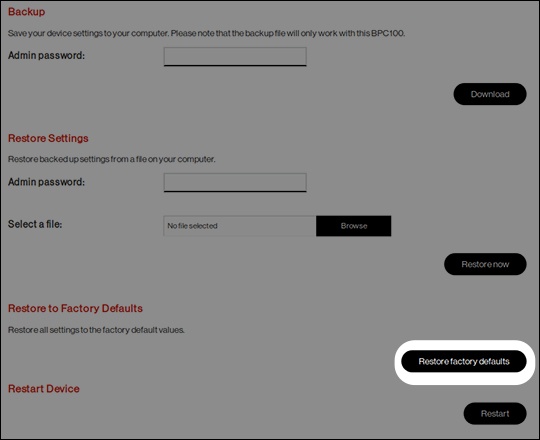
- ClickRestore factory defaults.