Inseego Business Phone Connect - Access Admin Page
Here's how to access the admin page on your Business Phone Connect.
- Ensure the computer is connected to the Business Phone Connect with an Ethernet cable.
- From the computer, open an internet browser then navigate to thehttp://192.168.1.1orhttp://my.bpc100address.You must have an active connection to the router for this page to open.
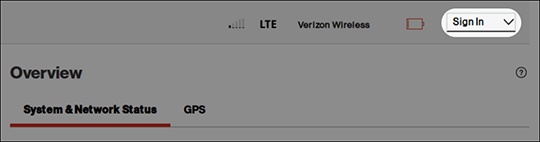
- From the top right, clickSign In.
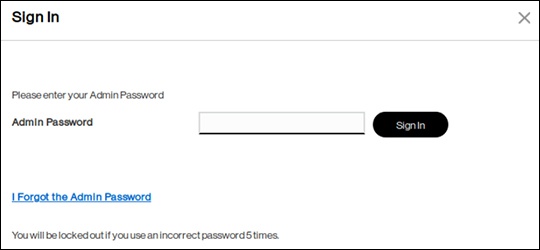
- Enter the admin password then clickSign In.The default admin password can be found on the product label on the bottom of the device.If needed, restore to Factory Default Settings.