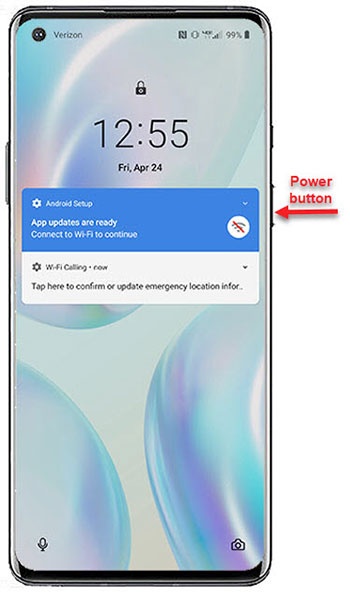
OnePlus 8 5G UW - Unlock Screen
Here's how to unlock the screen of your OnePlus 8 5G UW.
- Press thePower button(right edge).
- Depending upon the screen lock type, perform one of the following:
- Swipe the up from the bottom of the display.
- Draw the current unlock pattern.
- Enter the current PIN or password.
- Using the front-facing camera, position your face within the provided area.
- Touch the fingerprint sensor located on the bottom of the screen.If the fingerprint isn't recognized:
- Swipe up from the bottom of the display.
- Enter the PIN, pattern, or password.
- If necessary, tap 'OK' or 'Done'.