Use Wireless PowerShare - motorola edge+
Here's how to wirelessly charge a compatible device using your motorola edge+.
- Wireless PowerShare works with most wireless charging capable devices. Different devices may charge at different speeds.
- If unable to connect a device or charging is slow, remove any cover from each device.
- Using Wireless PowerShare may affect call reception or data services, depending on network environment.
- Swipe down on theStatus bar(at the top).The image below is an example.
- Swipe down from the top of the display to expand the 'quick settings' menu.
- TapPower Sharing.If unavailable, swipe left to view additional quick settings.Alternatively, navigate: to turn on
.
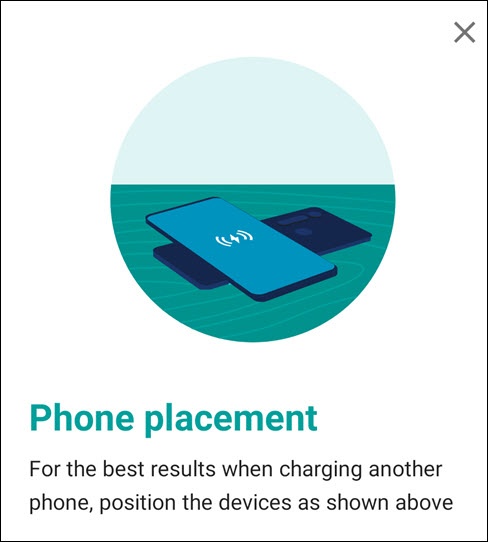
- Place the center of your phone back to back with another PowerShare-capable device.