Lenovo Flex 5G - Common Camera Settings
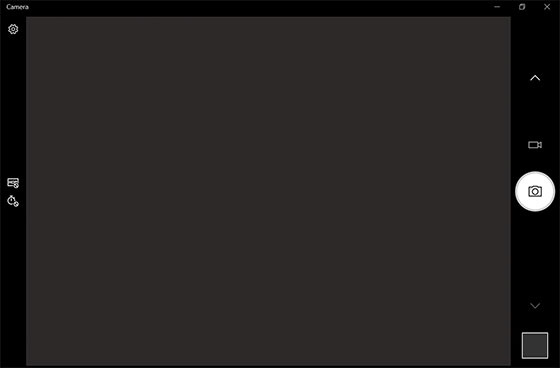
Here's info on common camera settings (e.g., HDR, timer, etc.) for your Flex 5G laptop.
Timer
- From the Home screen, tap or click theStart key
(lower-left).
- Tap or clickCamera
.
- Tap or clickTimer.
- Select an option:
- Off
- 2 seconds
- 5 seconds
- 10 seconds

HDR
HDR (High Dynamic Range) - Combines photos or videos taken at different exposures for one optimal photo or video.
- From the Home screen, tap or click theStart key
- Tap or clickCamera
- Tap or clickHDR.
- Select an option:
- HDR pro
- Off
