Samsung Galaxy Watch3 - Charge the Device
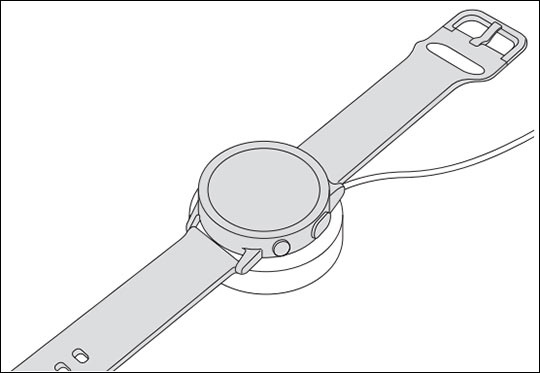
Here's how to charge your Galaxy Watch3.
The charging head for plugging the USB cable into a wall outlet isn't included. Use only Samsung charging devices rated with an output voltage of 5v and an output current of over 150mA.
It's recommended to fully charge the watch prior to turning it on.
- Connect the wireless charger to a USB charging port.
- Place the watch onto the wireless charger, aligning the center of your watch with the center of the wireless charger.